
WordPress Care Plans: What's Included
Written by Manny — Founder, WPOPS
WordPress maintenance specialist with years of hands-on experience managing sites for agencies and businesses across the US and UK. Manny has maintained 300+ WordPress and WooCommerce sites and leads WPOPS care operations — staged updates, security response, and performance monitoring.
Not all WordPress care plans are equal. Learn exactly what should be included, what questions to ask providers, and how to choose the right plan for your site.
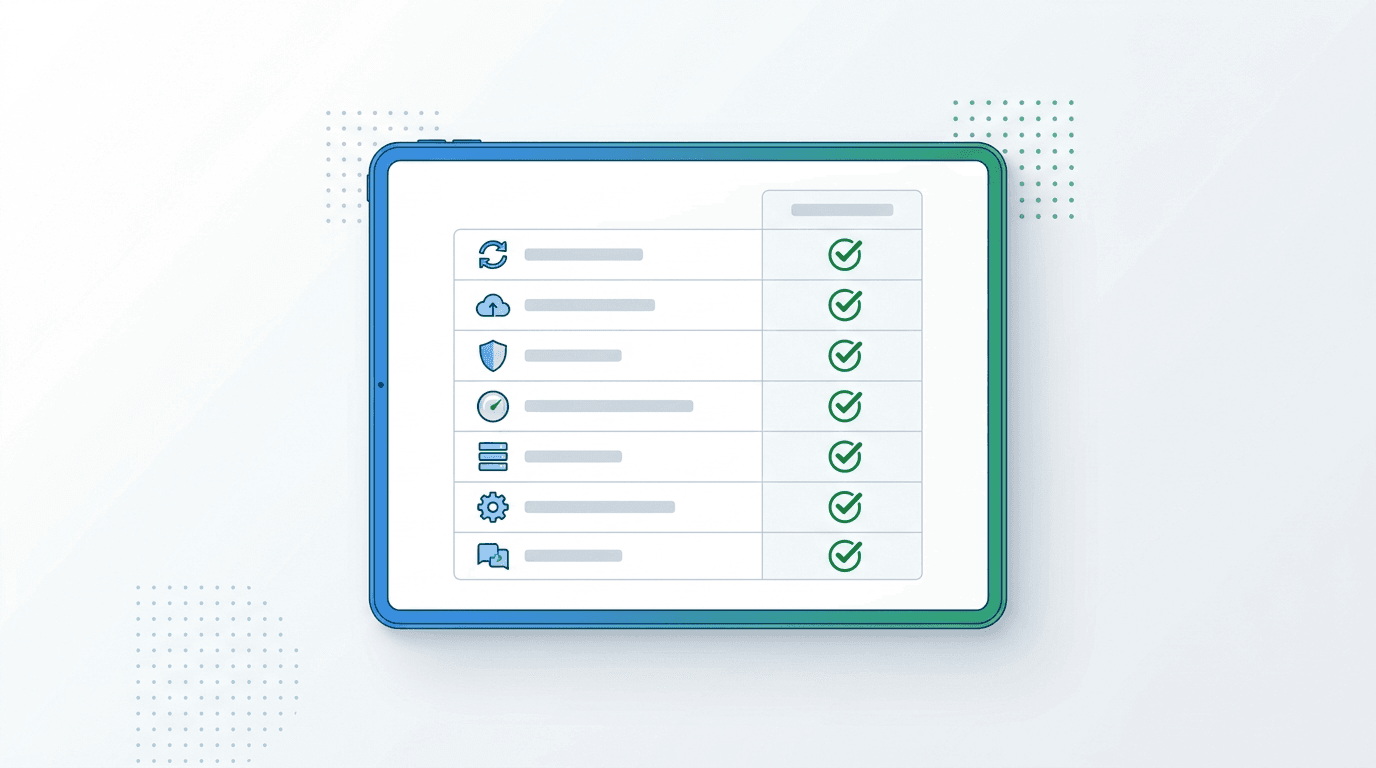
WordPress care plans are monthly maintenance services that keep your website updated, secure, backed up, and fast. If you're comparing plans and unsure what to look for, this guide covers exactly what should be included — and the red flags to avoid.
─────────────────────────
Key Takeaways:
Quality care plans must include staged rollouts, daily offsite backups, and emergency support under 1 hour
Core Web Vitals monitoring should be standard in any plan — not an expensive paid add-on
Plans run $20-$79/month; WPOPS delivers a full maintenance suite at $49/month with no contracts
A monthly report detailing all maintenance activity is a mark of a quality, accountable provider
─────────────────────────
What Are WordPress Care Plans?
WordPress care plans are ongoing managed maintenance services for WordPress websites. They typically run on a monthly subscription basis and cover the technical upkeep your site needs to stay secure and performing well. A care plan removes the need for you to manually run updates, verify backups, and monitor for security threats.
The term "care plan" is used interchangeably with WordPress maintenance plan, managed WordPress service, and WordPress support plan. They all refer to the same category: professional ongoing maintenance by a dedicated team.
What Should a WordPress Care Plan Include?
Not all care plans are created equal. Here's a breakdown of what a quality plan must include:
WordPress Updates (Core, Themes, Plugins)
Updates are the most critical maintenance task. WordPress core, themes, and plugins all release patches regularly — many are security fixes for known vulnerabilities. A good care plan runs updates with staged rollouts: the update is tested on a staging environment first and only pushed live once confirmed working. Providers that push updates directly without testing put your site at risk of breaking.
Backups
Backups should be daily, offsite (stored on a different server from your host), and restorable with one click. Weekly backups aren't sufficient for active business sites. Verify that your provider actually tests restores — a backup you've never tested may not work when you need it.
Security Monitoring
Active security monitoring means scanning your site regularly for malware, suspicious files, and vulnerabilities. If something is found, your provider should remove it as part of the plan — not charge extra. Look for providers that monitor 24/7, not just run weekly scans.
Uptime Monitoring
Uptime monitoring alerts your provider the moment your site goes offline. Without it, you might not know your site is down until a customer tells you. WPOPS monitors uptime on all plans and responds immediately when alerts fire.
Performance Monitoring (Core Web Vitals)
Google uses Core Web Vitals as a ranking factor. A care plan that includes performance monitoring helps you catch speed regressions before they affect your SEO. WPOPS includes Core Web Vitals monitoring on all plans — most competitors treat this as a paid add-on.
Monthly Reporting
Every month you should receive a clear report showing what was updated, backup status, uptime percentage, and any issues encountered. Transparency is a mark of quality. If a provider can't tell you exactly what they did each month, that's a red flag.
WordPress Care Plan Pricing in 2026
Care plan pricing varies significantly based on what's included:
Basic plans (updates + backups only): $20-40/month
Standard plans (updates, backups, security, monitoring): $49-79/month
Premium plans (all of above + edits + speed optimization): $89-150/month
White label/agency plans: $79-120/month
WPOPS care plans start at $49/month and include everything in the standard tier: staged updates, daily backups, security monitoring, Core Web Vitals tracking, and uptime monitoring. That's $40/month less than WP Buffs for more features.
Choosing the Right WordPress Care Plan
Use this checklist when evaluating providers:
Do they use staged rollouts before pushing updates live?
Are backups stored offsite (not just on your hosting server)?
Is emergency support included, and what are the response times?
Is there a monthly report showing exactly what was done?
Is Core Web Vitals monitoring included or an add-on?
Are there contracts, or can you cancel month-to-month?
WPOPS answers yes to every item on that list. No contracts, under 1-hour emergency response, staged rollouts on every update, and monthly transparency reports. Compare WPOPS plans and pricing to see which tier fits your needs.
Red Flags to Avoid When Choosing a Care Plan
Watch out for these warning signs:
No staging environment — updates pushed directly to live site
Backups stored only on the same server as your site
Support response times of 48+ hours
"Unlimited edits" with hidden fair use caps in fine print
No monthly report or account transparency
Long-term contracts with no easy exit clause
Frequently Asked Questions
How often should WordPress be updated?
WordPress core typically releases major updates 2-3 times per year and minor security patches more frequently. Plugins and themes update on their own schedules — popular plugins may release updates multiple times per week. A care plan handles all of this automatically, ensuring nothing falls behind. WPOPS monitors for updates continuously and processes them as part of the weekly maintenance cycle.
What happens to my website if I don't have a care plan?
Without regular maintenance, your WordPress site accumulates outdated software that becomes increasingly vulnerable to hackers. Over 50% of hacked WordPress sites were running outdated plugins or themes at the time of attack according to security research. Beyond security, outdated software can cause compatibility issues, plugin conflicts, and performance degradation. A care plan prevents all of this proactively.
Are care plans the same as managed WordPress hosting?
No. Managed WordPress hosting (like WP Engine or Kinsta) provides infrastructure — faster servers and some hosting-level updates. A care plan is a service layer on top of any hosting that handles your site's software: theme updates, plugin updates, security scanning, performance monitoring, and support. Many businesses use both managed hosting and a care plan together.
Can I have a care plan if I already have a developer?
Yes — many businesses use a care plan alongside a developer. The care plan handles the routine maintenance tasks (updates, backups, monitoring) freeing the developer to focus on feature work. WPOPS is used by agencies and freelancers as a white label service, handling maintenance so developers don't have to. This is a very common arrangement.
What is the difference between a care plan and website support?
A care plan is proactive — it prevents problems through regular maintenance. Website support is reactive — it fixes problems after they happen. Quality care plans include both. WPOPS includes unlimited support requests on all plans alongside proactive maintenance, so you get the best of both worlds. Our wordpress emergency support covers urgent issues that arise outside of scheduled maintenance.
See which WPOPS care plan is right for your site. Starting at $49/month with no contract required.